Video content has become an important part of digital marketing, education, entertainment, and online communication. Businesses and creators regularly produce videos to explain ideas, promote products, and connect with audiences.
However, traditional video production often requires cameras, recording equipment, editing software, and production time. AI text-to-video technology is changing this process by allowing users to create videos directly from written ideas.
From social media videos to product advertisements and educational content, these tools are making video production more accessible to beginners and professionals.
What Is AI Text-to-Video Technology?
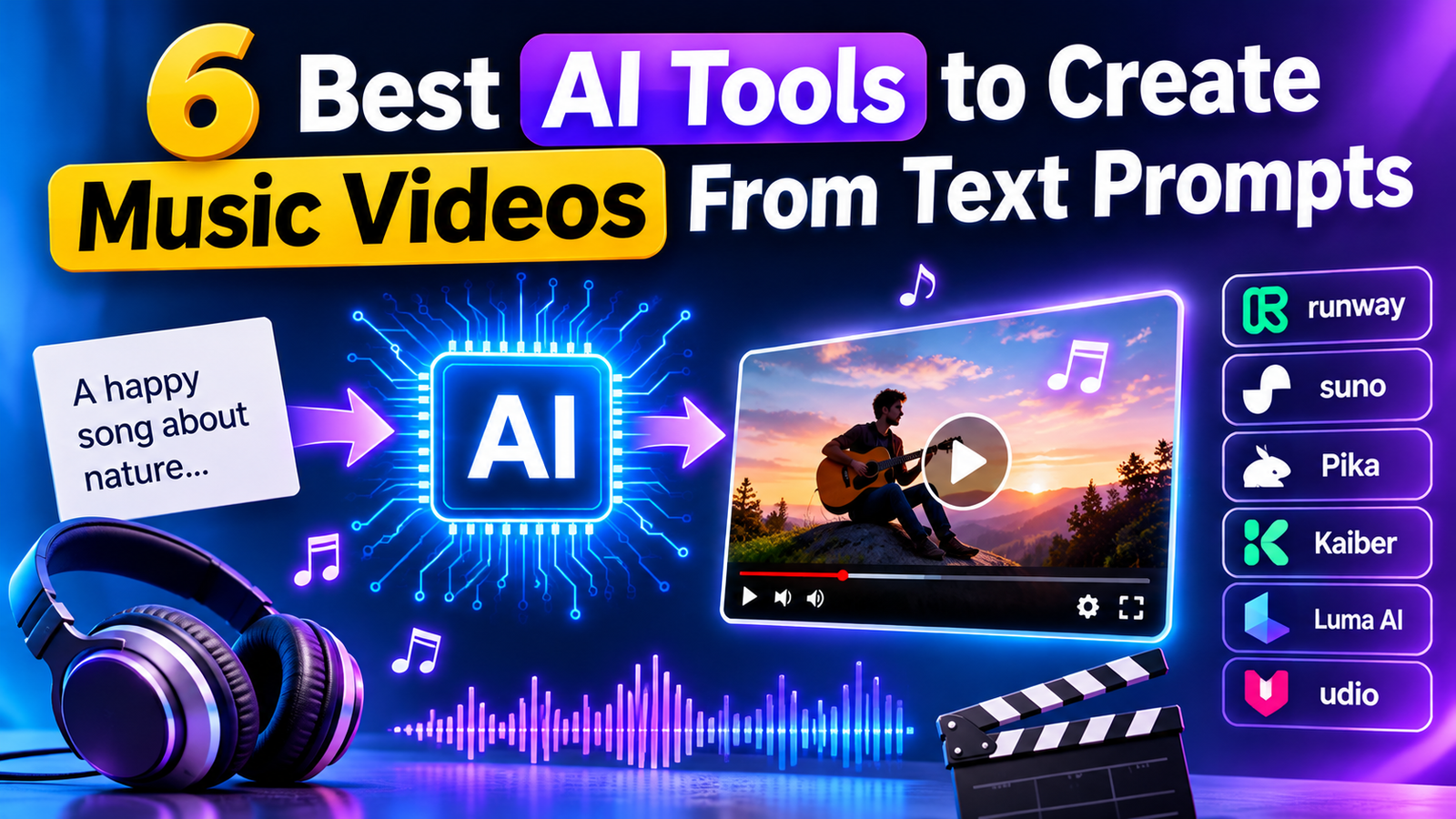
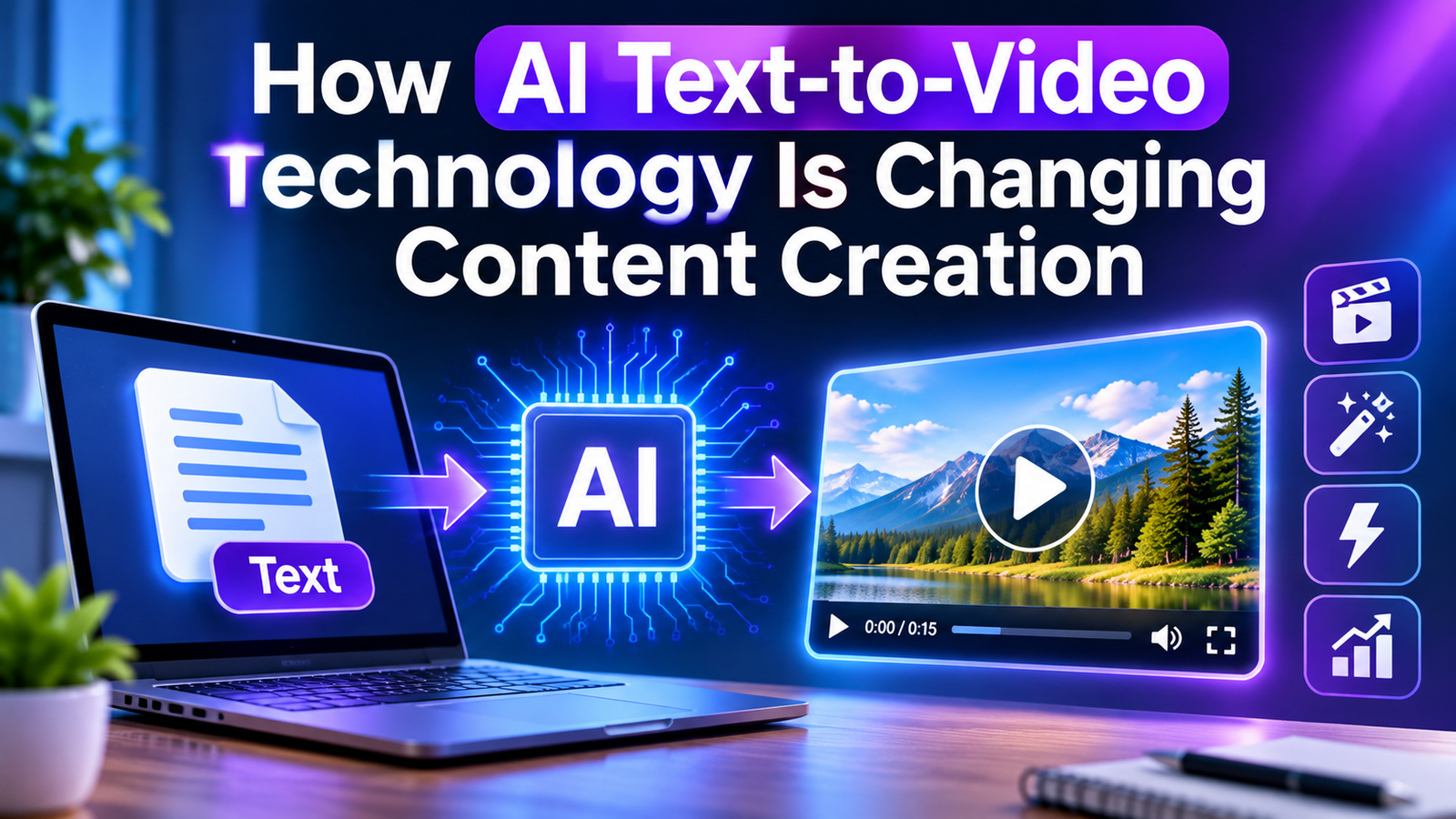
AI text-to-video technology converts written prompts, scripts, or descriptions into videos using artificial intelligence.
Users describe the scenes, characters, actions, and visual style they want. The AI then generates moving visuals based on those instructions.
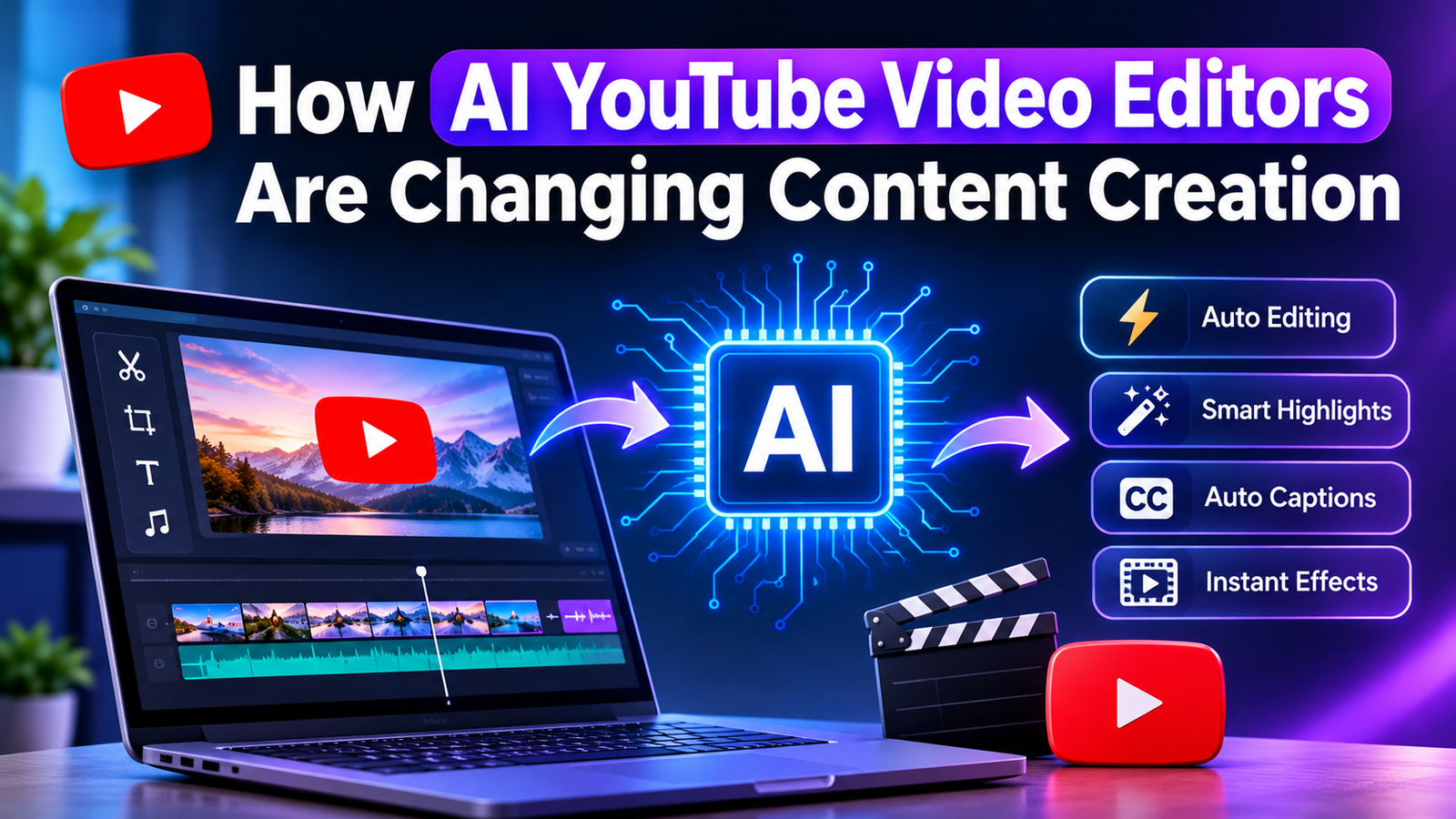
Some platforms create individual cinematic clips, while others can turn complete scripts into videos with multiple scenes, voiceovers, subtitles, background music, and editing options.
This allows creators to experiment with visual storytelling without filming every scene themselves.
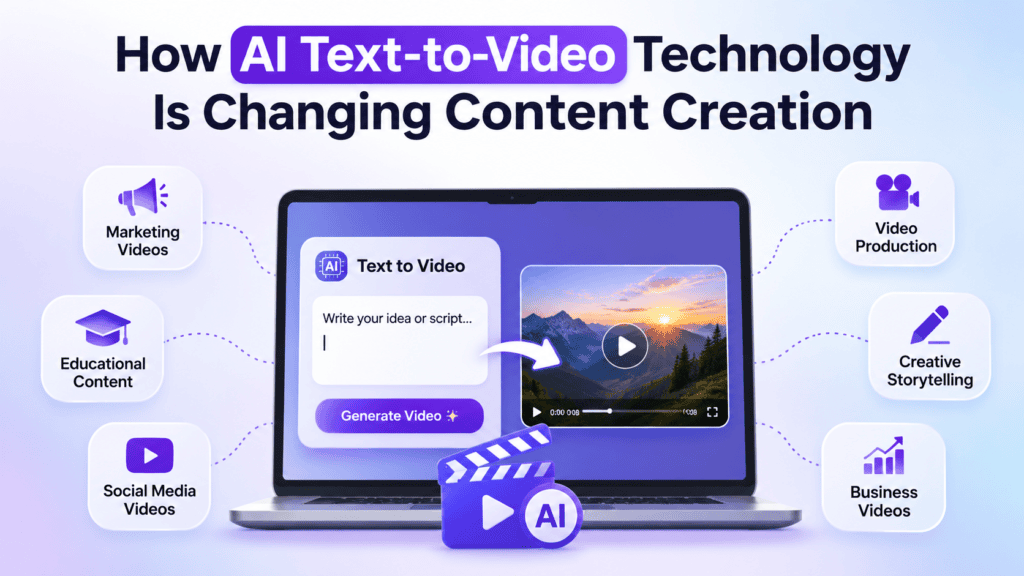
How AI Text-to-Video Technology Is Changing Content Creation
1. Making Video Production Easier
Traditional video production often requires technical knowledge and specialized equipment.
AI text-to-video tools simplify the process by allowing users to describe what they want in everyday language.
A beginner can write a prompt for a product demonstration, educational scene, or short story and generate video content without arranging a traditional shoot.
Although the results may require editing, these tools provide an easier starting point for video creation.
2. Helping Businesses Create Marketing Videos
Businesses regularly need videos for advertisements, product promotions, and social media campaigns.
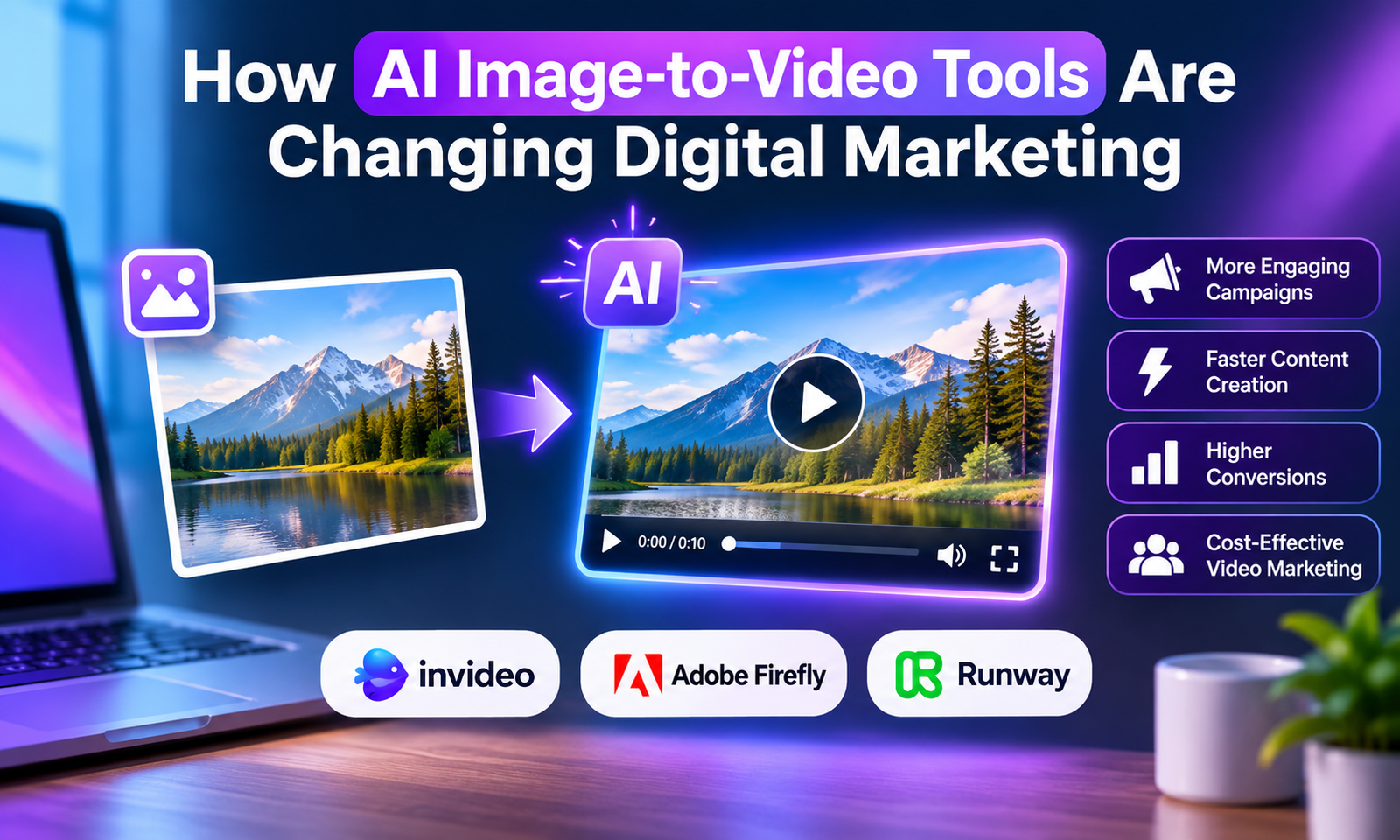
AI tools allow marketers to turn written campaign ideas into visual content. They can experiment with product scenes, promotional clips, and different creative styles before producing final advertisements.
Businesses exploring the benefits of digital marketing can also consider how AI-generated videos support brand awareness, content marketing, and customer engagement.
3. Supporting Social Media Content Creation
Instagram, TikTok, Facebook, and YouTube provide different ways for brands to share video content.
AI text-to-video generators help creators produce visual clips from written prompts instead of filming every idea separately.
Marketers can create product teasers, promotional scenes, and storytelling content that can be adapted for different platforms.
4. Making Educational Content More Visual
Teachers, trainers, and educational content creators often need visuals to explain complex topics.
AI text-to-video tools can turn written lessons into animated demonstrations, explanatory scenes, and supporting footage.
These visuals can make educational presentations more interesting while helping learners understand concepts that are difficult to explain through text alone.
5. Encouraging Creative Experimentation
Some creative ideas require locations, equipment, or visual effects that may be difficult to arrange.
AI video tools let creators explore different environments, camera movements, lighting styles, and characters through written instructions.
This makes them useful for early advertising concepts, storyboards, and visual storytelling.
Popular AI Text-to-Video Tools for Content Creators
Several platforms offer text-to-video generation. Here are three options for creators, marketers, and businesses.
1. Invideo
Invideo is an AI-powered video creation platform that helps users turn written prompts, scripts, documents, and creative ideas into videos. It supports marketing campaigns, social media content, cinematic storytelling, educational videos, and business promotions.
With invideo’s Text to Video generator, creators can describe the scenes, characters, actions, and visual style they want. The AI generates scenes, visuals, voiceovers, background music, and edits based on those instructions.
The platform provides access to several AI video models, including Seedance 2.5, Gemini Omni Flash, Kling 3.0, MiniMax H3, and Google Veo 3.1. These models offer different capabilities for cinematic scenes, natural movement, realistic characters, dialogue, and synchronized audio.
Users can generate cinematic shots, including eight-second clips with 1K, 2K, and 4K output options, depending on the model. The platform also supports realistic AI avatars for explainers, training videos, storytelling, and branded content.
For marketers, invideo can create product advertisements, user-generated-content-style videos, promotional clips, and social media content from written ideas. Filmmakers can generate cinematic scenes and visualize concepts before production.
Beyond individual clips, invideo offers AI agents that analyze uploaded scripts or briefs, generate footage, organize scenes, and assemble editable timelines. Its scriptwriting tools include an AI co-writer, while storyboarding features help plan videos shot by shot.
The platform also provides timeline editing, real-time collaboration with live cursors, and custom creative agents for roles such as scriptwriting, cinematography, video editing, sound design, music, and color grading.
These features make invideo a useful choice for creators who want to develop videos from written ideas while keeping control over the creative process.
Best for: Digital marketers, educators, businesses, filmmakers, and content creators who want AI-generated scenes, complete videos, and editing tools in one platform.
2. Adobe Firefly
Adobe Firefly is an AI-powered creative platform that allows users to generate videos from written prompts and images. It supports designers, marketers, and creative professionals developing visual content for different projects.
Its text-to-video feature lets users describe subjects, actions, lighting, camera movements, and visual styles. Firefly then generates clips based on those instructions.
The platform provides access to Adobe’s Firefly Video Model and selected partner models, giving creators options for exploring different visual results.
Adobe Firefly also includes controls for camera angles, shot composition, motion, and visual styles. Users can experiment with cinematic scenes, product visuals, advertising concepts, and supporting footage.
Its video editing workspace allows creators to arrange, trim, and refine generated clips. They can also work with music, voiceovers, and sound effects while preparing their videos.
Adobe states that content generated with its own Firefly Video Model is designed for commercial use, although creators should still follow the applicable terms and content rights.
Best for: Graphic designers, marketing teams, and creative professionals who want to generate and refine short promotional or cinematic video clips.
3. Runway
Runway is an AI video creation platform that allows users to generate moving scenes from text prompts and images. It focuses on creative control, visual storytelling, and cinematic motion.
Its Gen-4.5 model supports text-to-video generation, allowing creators to describe a scene without uploading a starting image.
Users can write detailed prompts explaining the environment, subject movements, camera direction, and actions within the scene.
Runway supports complex instructions, including planned camera movements and sequences of events. These capabilities help creators develop advertising concepts, cinematic shots, and experimental visual content.
Gen-4.5 supports text-to-video clips lasting between two and ten seconds. Its text-to-video output supports a 16:9 format at 720p, with options for refining prompts and generating alternative results.
Creators can review generated footage, adjust their instructions, and explore different versions before selecting clips for a larger project.
Runway is particularly useful for creative teams that want to experiment with detailed scene descriptions and controlled visual movement.
Best for: Filmmakers, advertising professionals, and creators who want detailed control over AI-generated cinematic clips.
How to Create Videos From Text Using AI
Beginners can follow these steps to create videos using written prompts.
Step 1: Choose a video idea. Decide whether the video will explain a topic, promote a product, or tell a story.
Step 2: Write a clear prompt. Describe the scene, characters, movement, lighting, and visual style.
Step 3: Select an AI tool. Choose a platform based on the video format and editing options needed.
Step 4: Generate and review. Create the video and check its movement, visuals, and accuracy.
Step 5: Edit and publish. Refine scenes, add audio or captions where needed, and export the video.
Creators can also learn about social media marketing to understand how to share their videos with the right audience.
Challenges of AI Text-to-Video Technology
Although AI video generation offers useful creative options, it still has limitations.
Generated videos may contain unnatural movements, inconsistent characters, or visual details that do not match the prompt.
Some platforms also restrict video duration, resolution, or generation credits.
Creators should review their videos, check commercial-use permissions, and ensure AI-generated content represents their intended message accurately.
Conclusion
AI text-to-video technology is changing content creation by making it easier to turn written ideas into moving visuals.
Platforms such as invideo, Adobe Firefly, and Runway offer different ways to create videos for marketing, education, and storytelling.
By combining AI-generated visuals with clear planning and careful editing, creators can explore new ideas and build more efficient video production workflows.
Frequently Asked Questions
1. What is AI text-to-video technology?
AI text-to-video technology converts written prompts, scripts, or ideas into videos using artificial intelligence. It generates scenes and movement based on the supplied instructions.
2. Can beginners create videos using AI text-to-video tools?
Yes. Many platforms allow beginners to generate videos using simple text prompts without needing advanced filming or editing skills.
3. How can AI text-to-video tools help digital marketing?
These tools can help marketers create promotional clips, product visuals, advertising concepts, and social media content from written ideas.
4. Can AI generate complete videos from scripts?
Yes. Some AI platforms can turn scripts into videos with multiple scenes, visuals, voiceovers, subtitles, background music, and editing options.