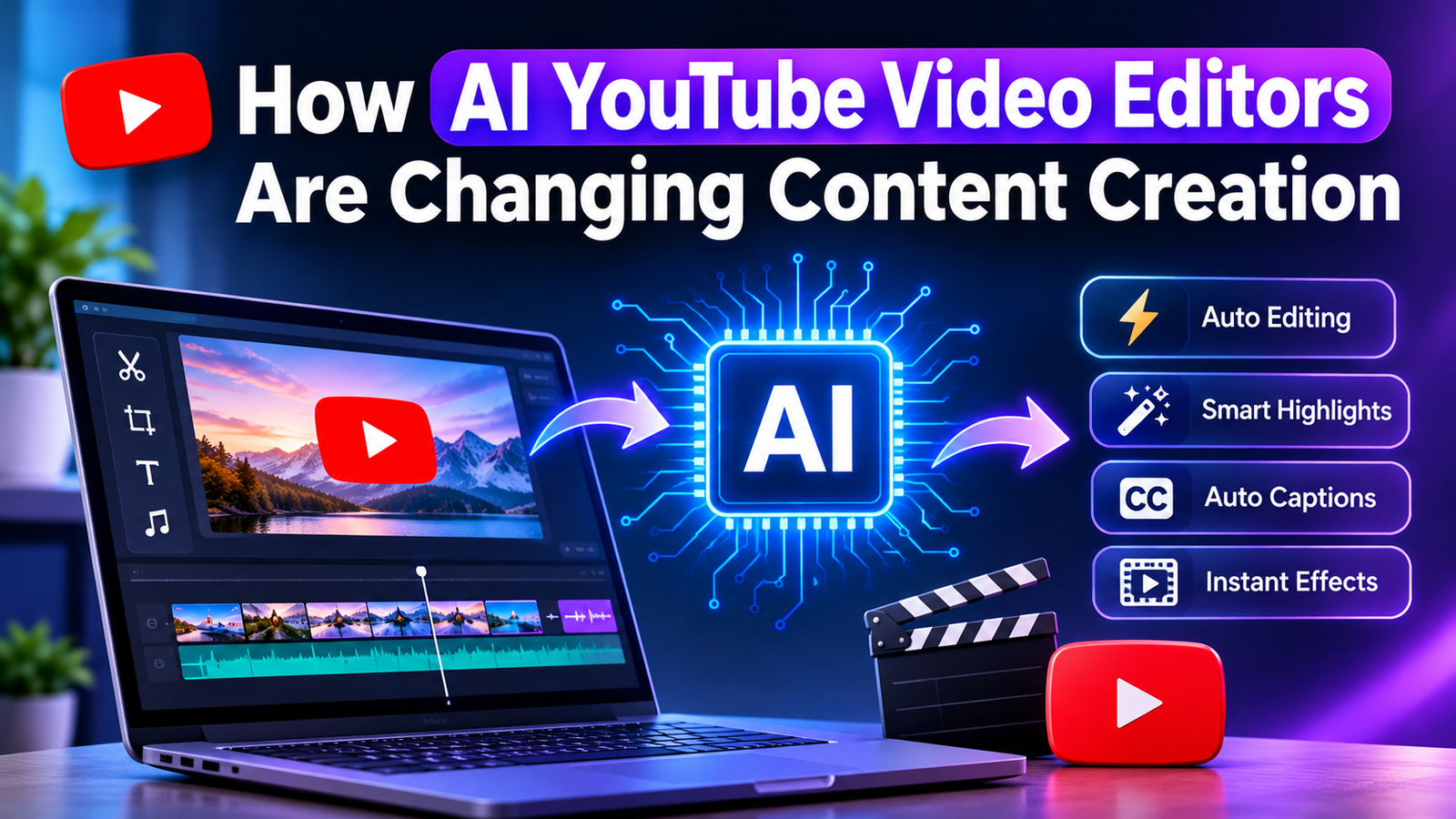
YouTube has become an important platform for content creators, businesses, educators, and digital marketers. From tutorials and product reviews to educational videos and brand promotions, creators regularly publish videos to reach their audiences.
However, creating a YouTube video involves more than recording footage. Editors need to remove mistakes, arrange clips, improve audio, add captions, and prepare videos for publishing. These tasks can take hours, especially when working with longer recordings.
AI YouTube video editors are changing this process by handling repetitive tasks and making video production more accessible. With AI assistance, creators can spend less time on manual editing and more time improving their content.
What Are AI YouTube Video Editors?
AI YouTube video editors are platforms that use artificial intelligence to assist with tasks such as trimming footage, removing pauses, generating captions, improving audio, and organizing clips.
Unlike traditional editing workflows, where users make every adjustment manually, AI-powered editors can complete certain tasks automatically while allowing creators to review and refine the results.
These tools are useful for YouTubers, educators, small businesses, and marketing teams that regularly create videos.
How AI YouTube Video Editors Are Transforming Content Creation
1. Making Video Editing Faster
Reviewing raw footage and removing unwanted sections can take considerable time.
AI tools help identify pauses, filler words, repeated takes, and unnecessary clips. Some platforms can also assemble a rough cut based on instructions, reducing the amount of manual work required.
This gives creators more time to focus on storytelling, pacing, and audience engagement.
2. Making Video Editing More Accessible
Traditional editing software can be difficult for beginners who are unfamiliar with timelines, audio tracks, transitions, and editing controls.
AI-powered platforms simplify this process through automatic features and text-based editing. Some editors even allow users to describe the changes they want rather than making every adjustment manually.
Beginners can create tutorials, educational videos, and product demonstrations while gradually developing their editing skills.
3. Improving Video and Audio Quality
Clear sound, readable captions, and smooth transitions help make YouTube videos easier to follow.
AI editing tools can assist with audio cleanup, automatic subtitles, and visual adjustments. Creators can improve recorded dialogue, remove unnecessary pauses, and add captions without typing every word manually.
However, AI-generated edits should still be reviewed to ensure accuracy.
4. Supporting YouTube Marketing
Businesses use YouTube to share product tutorials, explain services, and build relationships with potential customers.
AI editors help marketing teams prepare videos more efficiently and maintain a regular publishing schedule.
Understanding the benefits of digital marketing can also help businesses connect YouTube content with goals such as brand awareness, website traffic, and customer enquiries.
5. Making Content Repurposing Easier
Many creators share their YouTube content across Instagram, TikTok, and other social platforms.
AI-powered resizing and reframing tools help adapt existing footage into different formats. A longer YouTube video can also provide material for shorter clips and promotional highlights.
This allows creators to reach audiences across different platforms without recording separate videos for every channel.
Popular AI YouTube Video Editing Tools
Several video editing platforms combine AI assistance with traditional editing features. Here are three options for YouTube content creators.
1. Invideo
Invideo Editor is a browser-based video editing platform that combines a professional multitrack timeline with AI agents. YouTube creators can edit footage manually or ask AI agents to complete repetitive tasks while maintaining control over the final video.
With invideo’s YouTube Video Editor, users can trim, crop, resize, merge, and arrange clips. They can remove unwanted pauses by editing transcripts, adjust playback speed, stabilize shaky footage, and replace video backgrounds using AI without a green screen.
One of its key features is AI-assisted rough cutting. AI agents analyze footage, organize takes by dialogue, actors, props, and camera angles, remove filler words and silences, and assemble a first cut on an editable timeline.
Creators can also match the pacing and structure of reference videos or synchronize cuts with music beats. The platform supports keyframe animation, video transitions, effects, and detailed color grading with color wheels, curves, LUTs, and waveform scopes.
For audio editing, invideo offers separate tracks for voice, music, and effects, along with mixing controls, loudness metering, recorded voiceovers, and AI voiceovers. Automatic captions can be customized using different fonts and styles.
The editor also supports external AI agents, including Claude Cowork, ChatGPT Codex, Grok, and Gemini, for tasks such as trimming, color grading, audio mixing, and captions.
Creators can make vertical YouTube Shorts, add chapter markers, and export MP4 videos from 720p to 4K with frame rate and bitrate controls. Audio-only exports include WAV, AAC, and Opus. The landing page also advertises a free 1080p export without a watermark.
For teams, invideo provides real-time editing, cloud-synced projects across devices, and shareable review links with frame-accurate comments. Projects can also be continued in Premiere Pro, Final Cut Pro, or DaVinci Resolve.
Best for: YouTube creators, educators, marketers, and production teams that want AI-assisted editing, professional timeline controls, and collaboration in one workspace.
2. Adobe Premiere
Adobe Premiere is professional video editing software that combines advanced timeline controls with AI-powered features. It is designed for creators who need detailed control over video, audio, color, and effects.
Its Text-Based Editing feature allows users to create rough cuts by editing automatically generated transcripts. Creators can remove filler words, delete pauses, and rearrange dialogue without manually searching through every clip.
Premiere also offers Media Intelligence for searching footage using descriptions, Speech to Text for generating captions, and Enhance Speech for improving recorded dialogue.
Its AI Assistant can help organize project files, prepare footage, assemble initial edits, and refine video and sound through text instructions.
For visual editing, Premiere includes color correction, keyframe animation, transitions, and effects. Auto Reframe helps creators adapt horizontal videos into vertical formats while keeping important subjects visible.
Audio features include automatic music ducking, speech enhancement, and tools for balancing soundtracks and dialogue.
The platform is particularly useful for detailed editing projects involving longer YouTube videos, interviews, tutorials, and professional productions.
Best for: Professional YouTubers, filmmakers, and experienced editors who need advanced creative controls and AI-assisted workflows.
3. CapCut
CapCut is a video editing platform that combines traditional editing tools with AI-powered features. It offers desktop, web, and mobile editing options, making it accessible to creators working on different devices.
Its editing workspace allows users to trim footage, combine clips, add text, apply transitions, adjust audio, and arrange video sequences on a timeline.
CapCut’s transcript-based editing feature allows creators to edit videos by working directly with spoken text. Users can identify filler words, remove speech gaps, and delete unwanted dialogue from the transcript.
The platform also includes automatic captions that help creators add subtitles to tutorials, product reviews, and talking-head videos. Caption text can be reviewed and corrected before publishing.
CapCut provides resizing and reframing features that help creators adapt videos for different platforms, including YouTube Shorts, Instagram Reels, and TikTok.
It also offers effects, filters, text animations, music, and other editing options for creating engaging social media content.
These features make CapCut suitable for beginners who want a straightforward editing workflow without immediately learning complex professional software.
Best for: Beginners, social media creators, and YouTubers who regularly create short-form videos and cross-platform content.
How Beginners Can Start Editing YouTube Videos With AI
Creating YouTube videos with AI becomes easier when creators follow a simple workflow.
Step 1: Organize your footage. Collect video clips, music, voiceovers, and supporting images.
Step 2: Choose an editor. Select a platform based on your editing needs, experience, and available features.
Step 3: Prepare a rough cut. Use AI tools to remove unwanted pauses, repeated takes, and unnecessary footage.
Step 4: Improve the video. Add captions, adjust audio, refine colors, and review transitions.
Step 5: Export and publish. Choose the correct resolution and aspect ratio before uploading the video to YouTube.
Creators can also explore social media marketing to understand how YouTube videos and shorter clips can support a wider content strategy.
Challenges of Using AI Video Editors
Although AI video editors simplify many tasks, they are not perfect.
Automatic editing may occasionally remove important dialogue, generate inaccurate captions, or create cuts that do not match the intended story.
Some advanced AI features may also require paid subscriptions or credits.
Creators should always review their videos and make manual adjustments when needed. AI works best when it supports creative decisions rather than replacing them entirely.
Conclusion
AI YouTube video editors are making content creation faster and more accessible. They help creators organize footage, prepare rough cuts, improve audio, and add captions while reducing repetitive editing work.
Platforms such as invideo, Adobe Premiere, and CapCut provide different editing options for beginners and professionals.
By combining AI assistance with creative planning and careful review, YouTube creators can develop more efficient workflows and produce videos that connect with their audiences.
Frequently Asked Questions
1. What is an AI YouTube video editor?
An AI YouTube video editor uses artificial intelligence to assist with tasks such as trimming footage, removing pauses, generating captions, and improving audio.
2. Can beginners edit YouTube videos using AI?
Yes. Many AI editors offer automatic features and simple editing controls that help beginners create videos without advanced technical skills.
3. How do AI video editors save time?
They reduce repetitive work by helping creators prepare rough cuts, remove filler words, generate subtitles, and organize footage.
4. Can AI editors turn longer YouTube videos into Shorts?
Yes. Some AI editing platforms offer trimming, resizing, and reframing tools that help creators turn longer videos into shorter vertical clips.