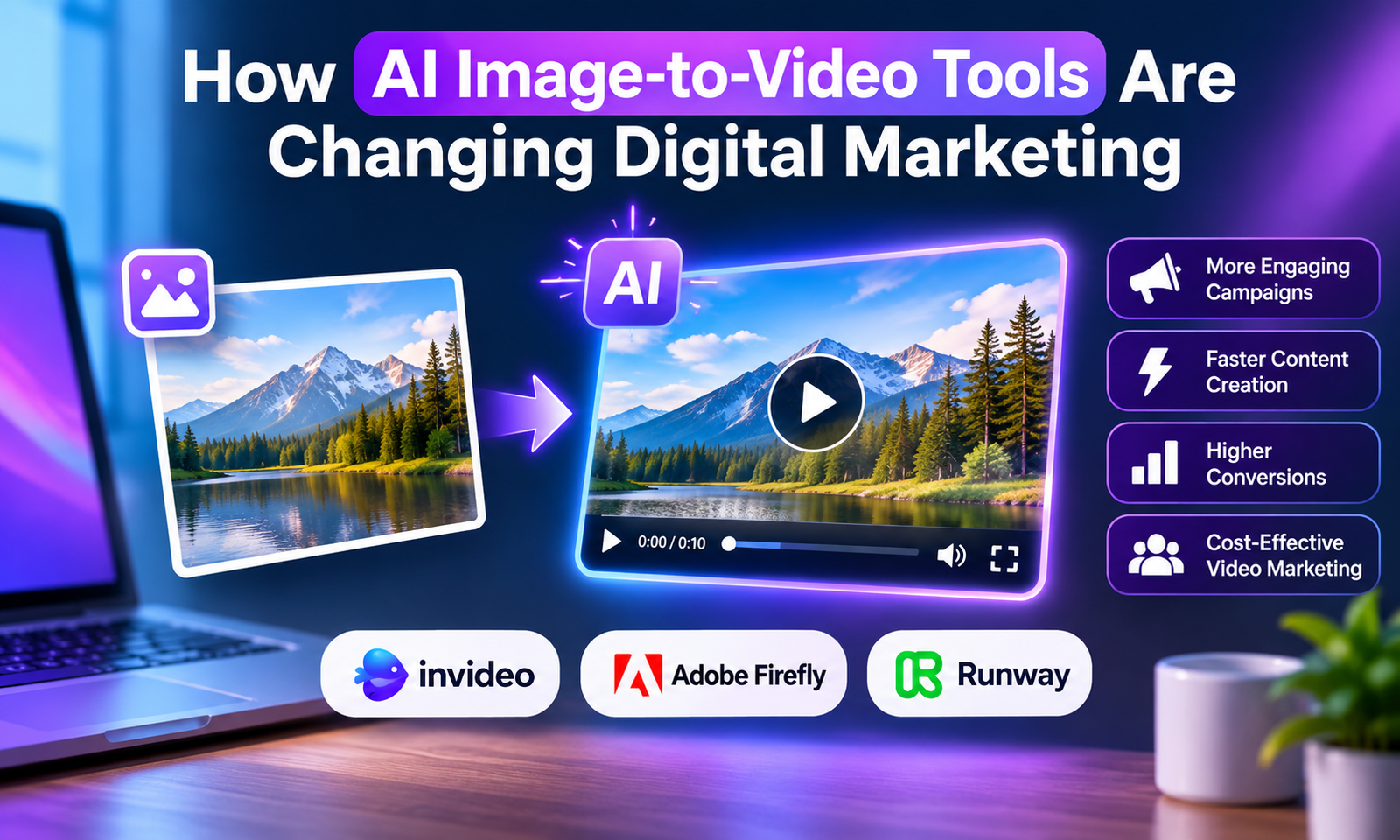
Digital marketing is becoming more visual as businesses look for new ways to attract customers and share their messages online. While images remain an important part of marketing, videos allow brands to present products, explain ideas, and tell stories through motion.
Creating videos traditionally requires cameras, editing software, and production time. However, AI image-to-video tools are making the process easier by allowing marketers to turn existing photographs into moving videos.
From social media promotions to product advertisements, these tools are helping businesses create video content without recording new footage for every campaign.
What Are AI Image-to-Video Tools?
AI image-to-video tools are platforms that turn still images into moving video clips using artificial intelligence. Users upload an image, describe how they want it to move, and generate a video based on those instructions.
These tools can animate product photographs, add camera movements to landscapes, and create short videos from illustrations or digital designs.
For digital marketers, this means existing images can become useful video content for social media, advertisements, and websites.
How AI Image-to-Video Tools Are Transforming Digital Marketing
1. Making Video Creation More Accessible
Video production can be expensive for small businesses and startups. Hiring a production team, arranging shoots, and editing footage often require time and money.
AI image-to-video tools simplify part of this process. Businesses can upload product photographs or promotional images and turn them into short videos using text instructions.
This makes video content creation more accessible to small businesses, freelancers, and beginners who may not have professional editing experience.
2. Creating More Engaging Social Media Content
Social media platforms such as Instagram, TikTok, Facebook, and YouTube allow businesses to share video content with their audiences.
Instead of repeatedly posting static photographs, marketers can create animated product previews, promotional clips, and short videos from existing images.
Understanding social media marketing helps businesses plan content that matches their audience and marketing goals. AI-generated videos can support these strategies by providing more creative options for regular social media posts.
3. Improving Product Marketing
E-commerce businesses often have product photographs but limited video content.
AI image-to-video tools allow marketers to animate these images and create short product presentations. A clothing brand, for instance, could use a product photograph to create a clip featuring a slow camera movement around the item.
These videos can be shared on product pages, social media platforms, and advertising campaigns.
However, businesses should review the results carefully to ensure the products look accurate and the generated movements appear natural.
4. Supporting Faster Content Production
Digital marketing teams often need different types of content for multiple platforms.
Creating every video from scratch can take time. AI image-to-video tools allow marketers to experiment with different movements and visual styles using images they already have.
A single product photograph could become a short Instagram Reel, a promotional video, or part of a larger advertisement.
This helps businesses explore more content ideas while reducing the need for repeated filming.
5. Helping Brands Maintain Visual Consistency
Brand consistency is important in digital marketing. Businesses usually want their logos, colors, products, and overall visual style to remain recognizable across campaigns.
Some AI video creation platforms support reference images and project context, helping teams maintain a consistent visual direction across multiple clips.
Marketers can also review and edit generated content to make sure it follows their brand guidelines before publishing.
Popular AI Image-to-Video Tools for Digital Marketers
Several AI platforms allow marketers to turn images into videos. Each offers different features for creating visual content.
1. Invideo
Invideo is an AI-powered video creation platform that allows marketers to turn still images into moving videos using simple text instructions. It helps businesses create product videos, social media content, advertising visuals, and B-roll shots from existing photographs.
With invideo’s Photo to Video tool, users can upload images in JPG, PNG, or WEBP format and describe how they want the image to move. They can request camera movements such as a slow zoom or pan and choose an AI model to generate the video.
The platform brings several AI models together, including Seedance 2.5, Kling 3.0, and Runway Gen-4.5, allowing users to explore different styles and movements. Invideo also helps maintain consistency across multiple clips by keeping brand colors, product packaging, and character references within the project context.
Beyond image-to-video generation, invideo provides scriptwriting, storyboarding, an editable timeline, and real-time collaboration. Users can also describe the changes they want and export videos in aspect ratios suitable for Instagram, TikTok, and YouTube.
These features make invideo a practical choice for digital marketers who want to turn existing images into promotional videos while keeping their brand visuals consistent.
Best for: Digital marketers, small businesses, and content creators who want to turn product images and brand visuals into social media videos, advertisements, and promotional content.
2. Adobe Firefly
Adobe Firefly is an AI-powered creative platform that helps designers and marketers generate video clips from images and text instructions.
Users can upload photographs, illustrations, or digital artwork and describe the movement they want. The platform then creates short video clips based on the uploaded visual and prompt.
Adobe Firefly includes camera movement controls that allow users to experiment with different movements and shot compositions. These features can help marketers create product presentations, animated promotional content, and visual transitions.
The platform also offers access to different video generation models, giving users more options for creating visual content.
Adobe Firefly is particularly useful for marketing teams that already work with Adobe’s creative applications and want to add AI-generated motion to their designs.
Best for: Graphic designers, advertising teams, and marketers who want to turn existing photographs and creative designs into promotional videos.
3. Runway
Runway is an AI video creation platform that allows users to generate videos from images and text prompts. It focuses on creative control, camera movement, and visual storytelling.
Marketers can upload a reference image and describe how the scene should move. The platform uses these instructions to create a video based on the original image.
Runway’s Gen-4.5 model supports image-to-video generation and allows users to provide detailed instructions for camera movement, subject motion, and scene composition.
These capabilities make Runway useful for creating advertising concepts, cinematic product visuals, and promotional clips.
Users can also experiment with different prompts to explore alternative movements and visual results. More complex scenes may require several attempts before the generated video matches the intended idea.
Best for: Creative professionals, advertising teams, and marketers who want greater control over AI-generated video movements and visual storytelling.
How Businesses Can Start Using AI Image-to-Video Tools
Businesses can begin experimenting with image-to-video creation without changing their entire marketing process.
Step 1: Select suitable images. Choose clear product photographs, brand visuals, or promotional designs that match the campaign.
Step 2: Decide the video’s purpose. Identify whether the video will be used for social media, product promotion, or advertising.
Step 3: Write a motion prompt. Describe what should move in the image, such as a slow camera zoom or a pan across the scene.
Step 4: Generate and review the video. Check the movement, image quality, and product details before using the content.
Step 5: Prepare the video for publishing. Adjust the aspect ratio, add suitable text or audio where needed, and export the finished clip.
Businesses can also explore other digital marketing tools for beginners to improve content planning, campaign management, and performance tracking.
Challenges of Using AI Image-to-Video Tools
Although these tools offer useful features, marketers should understand their limitations.
AI-generated videos may sometimes contain unnatural movements, distorted objects, or inaccurate product details. Some platforms also have restrictions on video length, generation credits, and export options.
Businesses should check image ownership, commercial-use terms, and content accuracy before publishing AI-generated videos.
The best results come from combining AI tools with clear marketing goals, creative planning, and careful review.
Conclusion
AI image-to-video tools are changing how businesses create visual content for digital marketing. They allow marketers to transform existing photographs into videos for product promotions, social media campaigns, and advertisements without organizing a new shoot for every project.
Platforms such as invideo, Adobe Firefly, and Runway offer different ways to create AI-generated videos from images.
As these tools continue to develop, businesses that combine AI-powered video creation with strong marketing ideas can explore new ways to communicate with their audiences.
Frequently Asked Questions
1. What is an AI image-to-video tool?
An AI image-to-video tool converts still images into moving video clips using artificial intelligence. Users upload a photograph, describe the movement they want, and generate a video based on those instructions.
2. How can AI image-to-video tools help digital marketing?
These tools can help businesses create social media videos, animated product presentations, promotional clips, and advertising content from existing images.
3. Can beginners create marketing videos using AI?
Yes. Many AI image-to-video tools offer beginner-friendly workflows where users can upload a photograph, enter a text prompt, and generate a short video without advanced editing skills.
4. Are AI-generated videos suitable for business advertising?
Yes, AI-generated videos can be suitable for business advertising when the platform’s commercial-use terms permit it. Businesses should also review the videos for accuracy, quality, and consistency with their brand.