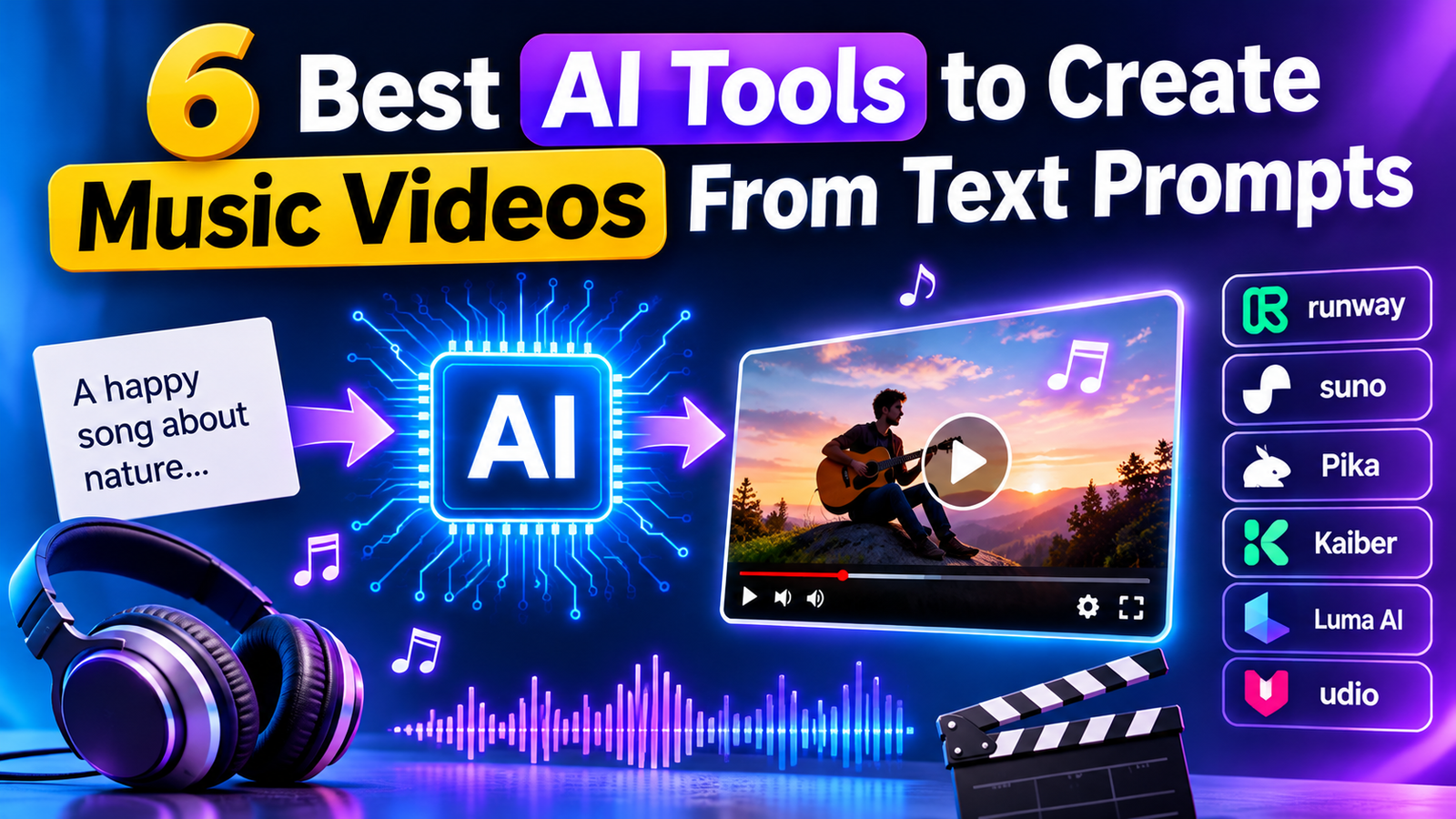
Creating music videos no longer requires expensive cameras, large production teams, or advanced editing skills. AI tools now allow musicians and content creators to turn written ideas into visuals that complement their songs.
From animated scenes and cinematic storytelling to promotional clips, these platforms offer different ways to create music videos using text prompts and existing audio tracks.
Here are six AI tools that can help bring music video ideas to life.
How We Selected These AI Music Video Tools
We considered text-to-video generation, music synchronization, editing features, ease of use, and creative flexibility. We also looked at whether each platform can create complete music videos or mainly generates short clips that need additional editing.
1. Invideo
Invideo is an AI-powered video creation platform that helps musicians turn written ideas into music videos using AI agents. It combines automated scene generation with a professional editable timeline, making it useful for beginners and experienced creators.
With invideo’s music video maker, users can enter a text prompt describing the location, lighting, mood, and visual style. AI agents can generate scenes, visuals, music, voiceovers, subtitles, and effects based on the instructions.
Creators can upload their own songs, images, and performance footage or generate scenes without filming. They can combine wide shots, close-ups, and other footage to create performance videos, visual stories, and music release teasers.
The platform allows users to adjust video pacing around different parts of a song. They can keep longer shots during quiet verses, switch between shorter clips during energetic sections, and control individual shot lengths on the multitrack timeline. Audio controls also help keep the main music track clear while balancing background sounds and effects.
Beyond music video generation, invideo offers AI-assisted scriptwriting, storyboarding, real-time collaboration, and custom creative agents for roles such as cinematography, video editing, music design, and color grading.
Its MCP connection also allows users to work with supported AI assistants, including Claude Cowork, ChatGPT Codex, Grok, and Gemini, to generate visuals, arrange scenes, and make editing changes.
Creators can review the complete sequence, adjust timing, and export music videos for YouTube, Instagram, TikTok, and promotional campaigns.
Best for: Musicians, independent artists, and content creators who want AI-assisted music video production with detailed editing controls.
2. Kaiber
Kaiber is an AI-powered creative platform that helps musicians, artists, and creators generate visuals from text prompts, images, and audio. It focuses on artistic styles, animation, and music-inspired visual content.
Users can describe their creative ideas through prompts and generate scenes that match the mood of their music. The platform supports different visual styles, making it suitable for abstract animations, experimental storytelling, and music promotions.
Kaiber also provides Beat Sync features that help creators arrange visual changes around their audio tracks. This can be useful for producing videos where transitions follow the rhythm and energy of the song.
Its creative workspace allows users to develop ideas, explore visual variations, and refine generated clips.
However, maintaining consistent characters and detailed storytelling across longer videos may require additional editing.
Best for: Musicians and digital artists who want experimental animations and music-driven visuals.
3. Neural Frames
Neural Frames is an AI music video platform designed to create animated visuals that respond to music. It focuses on audio analysis, visual generation, and music synchronization.
Creators can upload a song and use the platform’s tools to develop visuals around its rhythm, energy, and structure. Users can also provide text prompts to describe the characters, environments, and animation styles they want.
The platform offers audio-reactive animation controls that help match visual movement with different parts of a song.
Neural Frames supports music videos, lyric videos, and other animated music content. Its editing features allow creators to review scenes and adjust the visual direction of their projects.
It is particularly useful for electronic music, instrumental tracks, and artists who want abstract or animated music videos.
Best for: Independent musicians and creators who want audio-reactive animations and AI-generated music visuals.
4. Runway
Runway is an AI video generation platform that allows creators to produce cinematic clips from text prompts and images. It focuses on visual storytelling, camera movement, and creative control.
Its Gen-4.5 model supports text-to-video generation, allowing users to describe scenes, actions, lighting, and camera movements without uploading footage.
Musicians can use Runway to generate cinematic scenes inspired by the mood or lyrics of their songs. These clips can include imaginative environments, dramatic performances, and visual storytelling.
The platform also allows creators to experiment with prompts and generate alternative versions of scenes.
However, Runway’s text-to-video workflow mainly produces individual clips. Users generally need to combine and synchronize them with their music using editing tools to create a complete music video.
Best for: Filmmakers, musicians, and creative professionals who want cinematic AI-generated scenes.
5. Freebeat
Freebeat is an AI music video generator that focuses on creating visuals around existing songs. It helps musicians produce music videos without manually arranging every scene.
Users can upload audio or provide supported music links from platforms such as YouTube, Spotify, SoundCloud, and Suno.
The platform analyzes the music and generates visuals based on the track’s structure and rhythm. It offers features for music videos, dance videos, and lyric videos.
Freebeat also supports creative options such as character consistency and lip synchronization, helping artists explore different music video styles.
Its automated workflow makes it useful for musicians who already have a finished song and want to produce visual content for promotion.
However, it is more focused on generating videos from existing music than creating unrelated cinematic scenes from text prompts alone.
Best for: Musicians and independent artists who want automated music videos synchronized with their songs.
6. Pika
Pika is an AI video creation platform that allows users to generate short videos from text prompts and images. It focuses on creative effects, motion, and visual experimentation.
Users can describe the scenes, actions, and visual styles they want, and the platform generates video clips based on their instructions.
Pika offers features for creating animated scenes, applying visual effects, and experimenting with different forms of movement.
Musicians can use these capabilities to create music teasers, animated sequences, visual effects, and short promotional clips.
The platform is particularly useful for creators who want eye-catching visuals for social media and music-related content.
However, users generally need to arrange the generated clips around their chosen song when producing a complete music video.
Best for: Beginners, musicians, and social media creators who want short AI-generated music visuals.
How to Choose the Right AI Music Video Tool
Choosing the right platform depends on your creative goals.
For complete music video production with AI agents and timeline editing, invideo is a useful option. Kaiber and Neural Frames focus more on music-inspired animation, while Runway offers detailed cinematic generation.
Freebeat is suited to videos built around existing songs, whereas Pika works well for short experimental clips.
Creators should also consider export quality, generation limits, commercial-use permissions, and editing controls.
Understanding social media marketing can help artists plan how to share their music videos on YouTube, Instagram, and TikTok.
Tips for Creating Better AI Music Videos
Start with a clear concept that matches the mood and message of your song.
Write prompts describing the setting, lighting, colors, characters, and camera movement. Keep the visual style consistent across scenes.
Adjust the pacing to match the music. Longer shots may work well during calm verses, while faster transitions can support energetic sections.
Before publishing, review the generated visuals, audio levels, transitions, and overall timing.
Artists can also explore the benefits of digital marketing to understand how music videos can support promotional campaigns and audience engagement.
Conclusion
AI music video tools are making visual storytelling more accessible to musicians and content creators. Platforms such as invideo, Kaiber, Neural Frames, Runway, Freebeat, and Pika offer different approaches to generating and editing music videos.
The right platform depends on whether you want a complete music video, animated visuals, or short cinematic clips. Combining AI-generated content with careful editing can help creators produce videos that match their music and creative ideas.
Frequently Asked Questions
1. Can AI create music videos from text prompts?
Yes. AI tools can generate visual scenes from written descriptions. Some platforms also allow creators to upload songs and arrange the visuals around the music.
2. Can I upload my own song to create an AI music video?
Yes. Several AI music video platforms support uploaded audio tracks. Users should make sure they have the necessary rights to the music.
3. Do I need video editing experience to create AI music videos?
Not necessarily. Many AI tools automate visual generation and basic editing. However, reviewing and refining the final video can improve its quality.
4. Which AI music video tool is best for beginners?
It depends on the type of video you want. Invideo offers AI-assisted creation with timeline editing, Freebeat focuses on videos built around songs, and Pika is useful for short creative clips.