
Every scheduler promises the same thing: one calendar, all your accounts, less chaos. The differences show up in the pricing model, the collaboration features, and lately, whether the tool can talk to an AI agent at all.
I’ve compared eight tools below. For each one you’ll find who it actually fits, what it costs right now, and an honest pros and cons list. Prices change often in this category, so treat the numbers as accurate at time of writing and double-check the pricing page before you pay.
Some of these tools are better for agencies, some are good for clippers clipping youtube videos and uploading them automatically to their social media, and others are good all rounders.
TLDR: the best social media management tools on the market in 2026 are: buffer, schedpilot, hootsuite, metricool or later (others too, discover in the list).
| Tool | Best For | Starting Price | Pricing Model | Standout Feature | Main Limitation |
|---|---|---|---|---|---|
| Buffer | Solo creators and small teams | $6/channel/month | Per social channel | Simple interface and useful free plan | Expensive when managing many channels |
| SchedPilot | Agencies, AI workflows and multiple accounts | $21/month | Flat pricing | AI agent integration, API access and client workspaces | Smaller user base than established platforms |
| Hootsuite | Mid-size and enterprise marketing teams | $99/user/month | Per user | Social listening, unified inbox and integrations | High entry price and no free plan |
| Sprout Social | Brands needing advanced analytics | Around $199/seat/month | Per user | Professional reporting and Smart Inbox | Expensive plans and paid add-ons |
| Later | Instagram, TikTok and visual-first brands | Around $19/month | Plan-based | Visual Instagram feed planner and link-in-bio tools | Limited capabilities for LinkedIn and X |
| Metricool | Small brands focused on analytics | $18/month | Per brand | Competitor tracking, ads reporting and analytics | X integration costs extra |
| SocialBee | Coaches, consultants and evergreen content | $29/month | Plan-based | Category-based content recycling and AI content tools | Interface can feel busy |
| Planable | Agencies requiring client approvals | $39/workspace/month | Per workspace | Client comments, previews and approval workflows | Restrictive monthly post limits |
1. Buffer
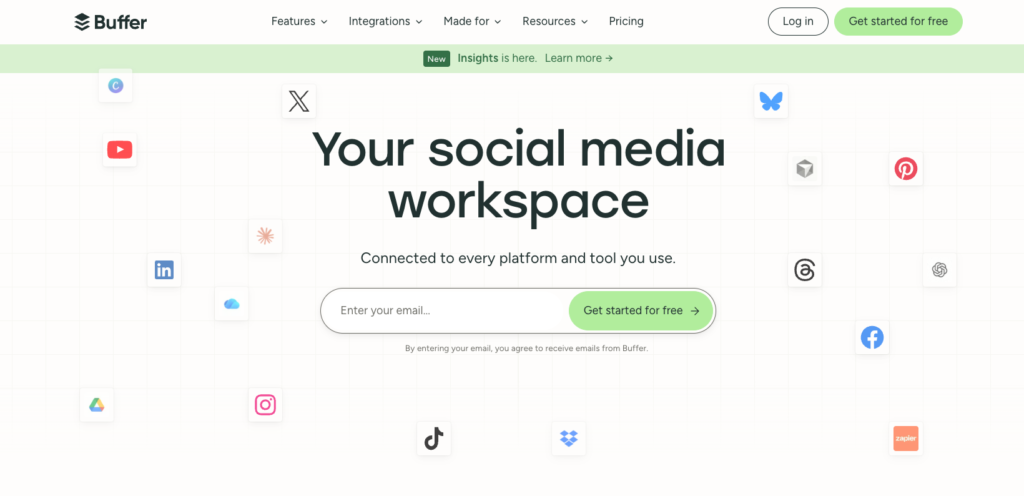
Buffer is the default answer for solo creators and small teams, and it earned that spot. The interface is clean, the queue system is genuinely pleasant to use, and the free plan (3 channels, 10 scheduled posts per channel) is enough to run a small personal brand without paying a cent.
The catch is the pricing model. Buffer charges per channel: Essentials is $6 per channel per month ($5 on annual billing) and Team is $12 per channel ($10 annual). One brand on Instagram, Facebook, LinkedIn, X, and TikTok is five channels, not one. A three-person team managing 10 channels on Team is already at $120 a month, which is where agencies start looking elsewhere.
Pros:
- The easiest tool on this list to learn
- Genuinely useful free plan
- Per-channel pricing is cheap if you only run 2-4 accounts
- Unlimited team members on the Team plan, no per-seat fees
Cons:
- Costs climb fast past 5-6 channels
- Analytics are shallow compared to Metricool or Sprout
- The AI assistant only rewrites text, it won’t create content for you
- No real client workspace structure for agencies

2. SchedPilot
If Buffer is built for humans clicking buttons, SchedPilot (schedpilot.com) is built for the way social media is starting to run in 2026: you point Claude, ChatGPT, Openclaw, Hermes, Cursor or an n8n workflow at its MCP server or REST API, the agent drafts and schedules a week of posts across 9 networks, and everything lands in your calendar waiting for a one-click approval.
No other tool on this list treats AI agents as a first-class user, and that alone makes it the most interesting Buffer alternative right now.
It’s not only an agent play, though. Agencies get client workspaces on every plan, roles, and a post approval workflow on the Enterprise tier, so nothing ships to a client account without sign-off.
There’s also a built-in video and UGC editor for captioning short clips, which quietly replaces a separate subscription.
What SchedPilot costs
Pricing is flat, not per channel. Silver is $21/month for 5 accounts and 450 posts. Gold is $35/month for 20 accounts, 5 workspaces, and unlimited posts. Platinum is $49/month for 40 accounts and 10 workspaces. Enterprise is $79/month for 100 accounts, 20 workspaces, 10 team seats, and the approval workflow.
Yearly billing saves 20%, every plan includes API access and a 7-day free trial, and there’s a $299 lifetime deal limited to 100 spots.
For comparison, 20 channels on Buffer’s Team plan runs well past $200 a month; SchedPilot covers the same accounts on Gold for $35. If you have more than 15-20 accounts then Schedpilot can be even 4x times cheaper than Buffer.
Pros:
- MCP server and REST API on every plan, so AI agents can draft, schedule, and publish for you
- Human approval step before anything an agent writes goes live
- Flat pricing that undercuts per-channel tools hard at 10+ accounts
- Workspaces, roles, and approval workflows built for agencies
- 9 networks including Threads and Bluesky, plus a built-in video/UGC editor
- Good instagram scheduler feature
Cons:
- Younger product with a smaller user base than Buffer or Hootsuite
- No social listening
- Team seats and the approval workflow require the Enterprise plan (which is 99$ anyway and has a good price)
3. Hootsuite
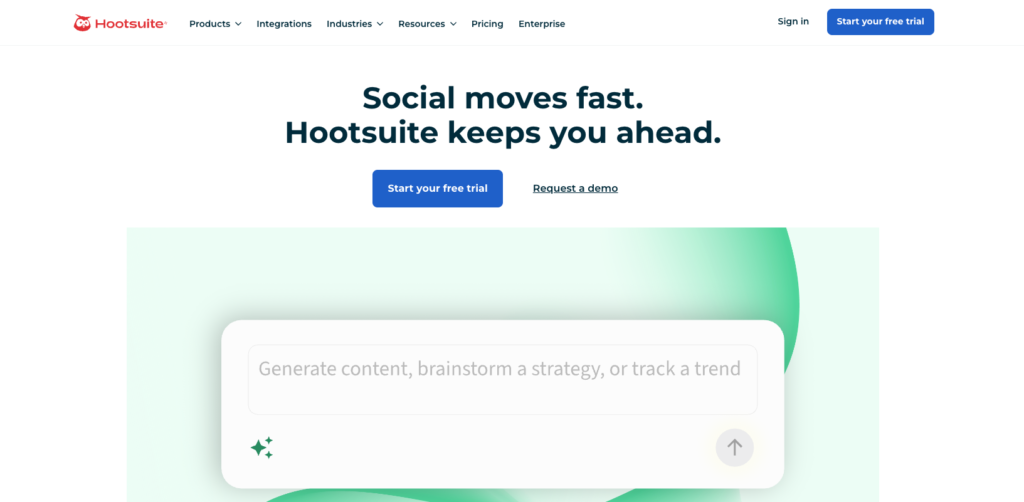
Hootsuite is the old guard, and it prices like it. Standard runs $99 per user per month on annual billing, Advanced is $249 per user, and there’s no free plan anymore. What you get for that money is real: a strong unified inbox, deep integrations, and social listening powered by Talkwalker bundled into paid tiers where competitors charge extra.
For a mid-size marketing team with budget, it still makes sense. For a freelancer or a two-person shop, it’s paying enterprise prices for features you’ll open twice.
Pros:
- Mature publishing tools and the broadest integration library in the category
- Listening and sentiment analysis included where Sprout charges roughly $999/month extra
- Handles large account volumes without breaking
Cons:
- $99 per user per month is a brutal entry price, and it multiplies per seat
- No free plan
- The interface still feels dated next to newer tools
- Overkill for anyone who mainly needs scheduling
4. Sprout Social
Sprout is the polished one. The reporting is the best in the industry, the Smart Inbox is the benchmark other tools copy, and if you need to hand a CMO a report they’ll actually read, this is the tool that produces it.
You pay for the polish. The Standard plan starts around $199 per seat per month, higher tiers climb from there, and social listening is an add-on that costs more than most tools’ entire subscription. Reviewers also complain that everything feels like an upsell. Sprout is for brands where social is a serious revenue channel and the reporting justifies the invoice. Everyone else should look down-market.
Pros:
- Best-in-class analytics and client-ready reports
- Excellent unified inbox for community management
- Clean UX that teams actually enjoy using
- Strong customer support
Cons:
- Very expensive, and it’s per seat
- Listening, advocacy, and premium analytics are all paid add-ons
- Approval flows can require extra paid users
- Massive overkill for small teams
5. Later
Later grew up as an Instagram tool and it still thinks in images. The visual planner, where you drag photos onto a grid preview of your feed, remains the best way to plan an Instagram aesthetic. Link in bio, hashtag suggestions, and best-time-to-post are all tuned for visual platforms.
Pricing starts at roughly $19/month on annual billing ($25 monthly) for the Starter plan, with Growth around $38/month annual for more users and social sets. There’s technically still a limited free plan, but Later no longer advertises it on the pricing page. If your business lives on Instagram, TikTok, and Pinterest, Later fits. If LinkedIn or X matter to you, it’s the wrong tool.
Pros:
- The best visual content planner for Instagram
- Affordable entry price
- Strong link-in-bio tool included
- Good fit for creators and product brands
Cons:
- Weak on text-first platforms like LinkedIn and X
- Recent plan changes cut users and social sets at mid tiers
- Analytics are basic on lower plans
- The free plan is limited and half-hidden
6. Metricool
Metricool comes at scheduling from the analytics side. Competitor tracking, hashtag data, and Google/Meta ads reporting all live in one dashboard, and the free plan (1 brand, 50 posts a month) is generous enough that plenty of small brands never upgrade.
Paid plans start at $18/month on annual billing ($22 monthly) for Starter, with Advanced at $45/month annual ($54 monthly). One thing to budget for: connecting an X account costs an extra $10 per month on every paid plan, which stings if X is central to your strategy. Pricing is per brand rather than per user, which keeps costs sane for multi-brand teams.
Pros:
- The strongest analytics you’ll get at this price
- Genuinely usable free plan
- Per-brand pricing, not per seat
- Ads reporting included alongside organic
Cons:
- X connection is a paid add-on on every tier
- No real AI content generation
- No content recycling
- Several reviewers report surprise annual auto-renewals
7. SocialBee
SocialBee is built around one idea: evergreen content recycling. You sort posts into categories, set a posting schedule per category, and the tool keeps re-publishing your library on rotation so your channels never go quiet. For consultants, coaches, and anyone whose content stays relevant for months, this is quietly one of the most underrated features in the category.
Plans run $29 (Bootstrap), $49 (Accelerate), and $99 (Pro) per month, with about 16% off on annual billing. The AI Copilot for generating posts is included on every plan, which is more than Buffer can say.
Pros:
- Category-based recycling keeps evergreen content working for you
- AI content generation included on all plans
- Concierge services available if you want humans to do the work
- Fair pricing for the feature set
Cons:
- The interface is busier than Buffer or Later
- No video templates
- Analytics are middling
- Recycling matters less if all your content is timely
8. Planable
Planable isn’t really a scheduler with approvals bolted on. It’s an approval tool that happens to schedule. Posts appear as pixel-perfect previews of how they’ll look live, clients comment directly on drafts, and multi-step approval workflows make sure nothing publishes before the right people say yes. Every plan includes unlimited users, which is rare and matters enormously for agencies.
Basic runs $39 per workspace per month and Pro is $59, with a free plan capped at 50 total posts. The limits are the weak point: 60 posts per month per workspace on Basic feels tight, and analytics plus the social inbox are paid add-ons that push real costs toward $80+ per workspace.
Pros:
- The best client review and approval experience on this list
- Unlimited users on every paid plan
- Accurate post previews that prevent embarrassing formatting surprises
- Workspace structure maps neatly onto agency clients
Cons:
- Monthly post limits per workspace are restrictive
- Analytics and inbox cost extra
- Free plan’s 50-post lifetime cap is mostly a demo
- Thin as a publishing tool once approvals are done
How to actually pick
Ignore feature checklists and start from your bottleneck. If it’s cost per account, flat-priced tools like SchedPilot beat per-channel and per-seat pricing the moment you pass ten accounts. If it’s client sign-off, Planable or SchedPilot’s Enterprise workflow solve it.
If it’s proving ROI to a boss, Metricool or Sprout. If it’s simply staying consistent, Buffer or SocialBee will do it without drama. But if you want affordable for multiple accounts (more than 20) then Schedpilot is the best affordable solution.
And if you’re planning for the next two years rather than the next two months, weigh the AI agent question seriously. Most of these tools added an AI button that rewrites captions. Only one was built so an agent can run the whole calendar while you keep the final approval, and that gap will define this category by 2028.